


More Than a Space: How Great Hospitality Marketing Sells the Experience
Posted on Tuesday August 4, 2026

So, you have a beautiful space, a world-class chef, an excellent team, fair pricing, but somehow, you’re still finding tables are empty or bookings are low? The problem isn’t your product, it’s your pitch.
Customers don’t fall in love with your building or your table setting. They fall in love with the life they’ll experience there. Hospitality is one of the few industries where customers purchase an experience before they’ve had the opportunity to experience it. Whether booking a boutique hotel, reserving a table at a restaurant or selecting a wedding venue, every purchasing decision is based on anticipation. Guests aren’t simply evaluating amenities or square footage—they’re imagining how they’ll feel once they arrive.
That means hospitality marketing has evolved. Beautiful photography and polished websites still matter, but they’re only part of the story.
The brands generating the strongest engagement are creating complete experiences through storytelling, destination content, and authentic connections long before a guest ever arrives. Effective hospitality marketing is bringing each venue to life by creating an emotional connection through lifestyle content that helps people envision themselves celebrating, relaxing, connecting or creating memories. While architecture, décor and cuisine remain important, they become far more compelling when presented within the context of real experiences.
Showcase the experience, not the space
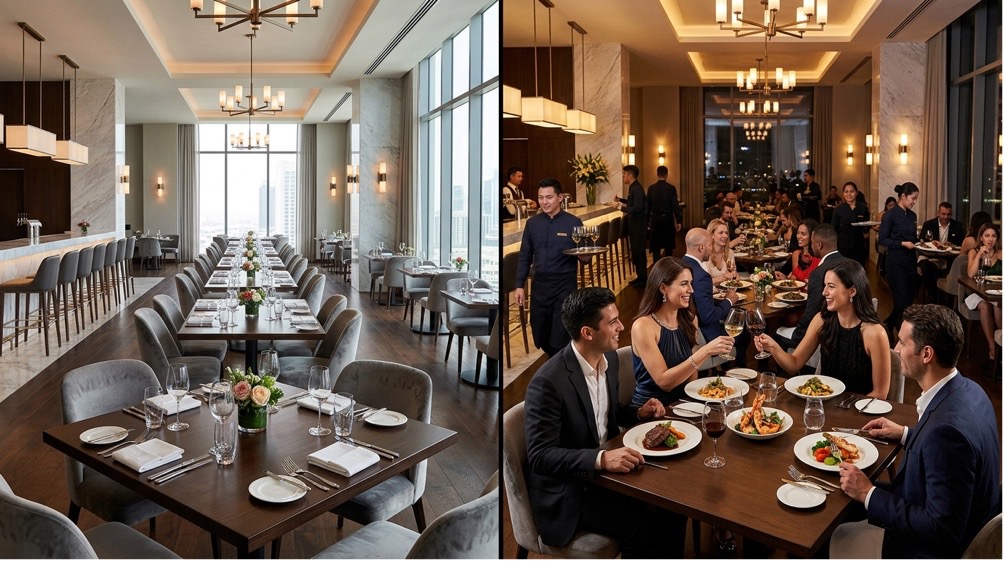
One of the biggest shifts in hospitality marketing is that consumers are now looking for venues to help shape their experience before they even leave home. Great hospitality brands market the destination, not just the property. Is your restaurant in a vibrant neighbourhood? Is your event space a local landmark? Is your hotel close to great amenities? Consumers expect more from a great night out than just great food. Selling the journey helps sell the destination.
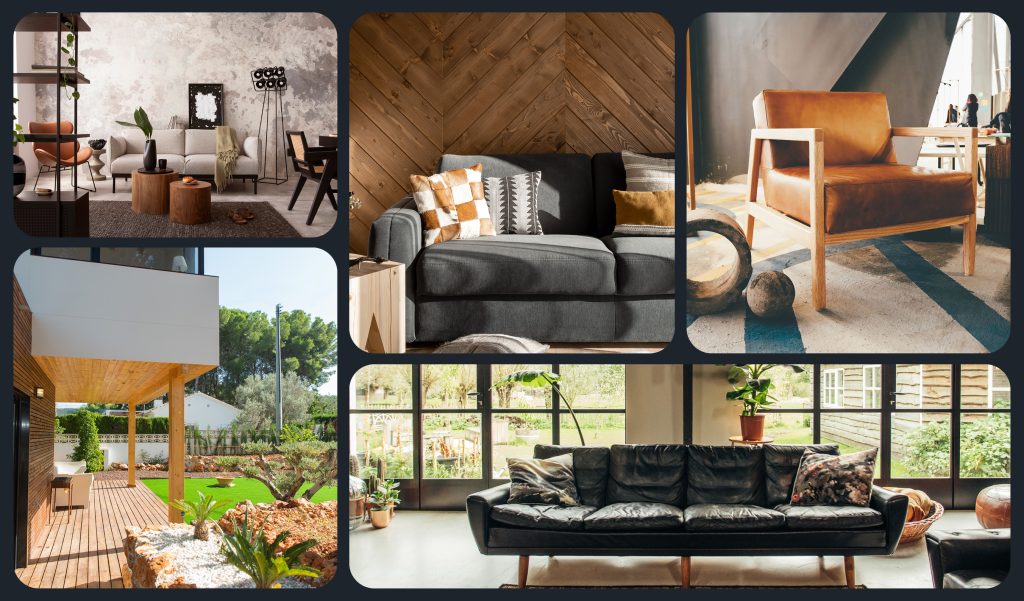
Instead of simply showcasing guestrooms or ballrooms, the most effective hospitality marketers create lifestyle content that shows why it’s worth the visit and position the property as the gateway to a memorable experience. Hospitality.net reports that travellers encounter more than 40 digital touchpoints before and during a trip, with 30% of their digital interactions happening through Google Search, and 16% spent consuming lifestyle content. That means lifestyle storytelling isn’t supplemental – it is an essential part of the guest journey. A beautifully appointed hotel suite showcases luxury, while a couple enjoying morning coffee on the balcony tells a story of escape and relaxation. A ballroom photographed without guests demonstrates its size, but a packed dance floor during a wedding reveals its true purpose. Lifestyle photography gives context to a space, allowing prospective guests to imagine their own experiences unfolding there.
Turn curiosity into confidence
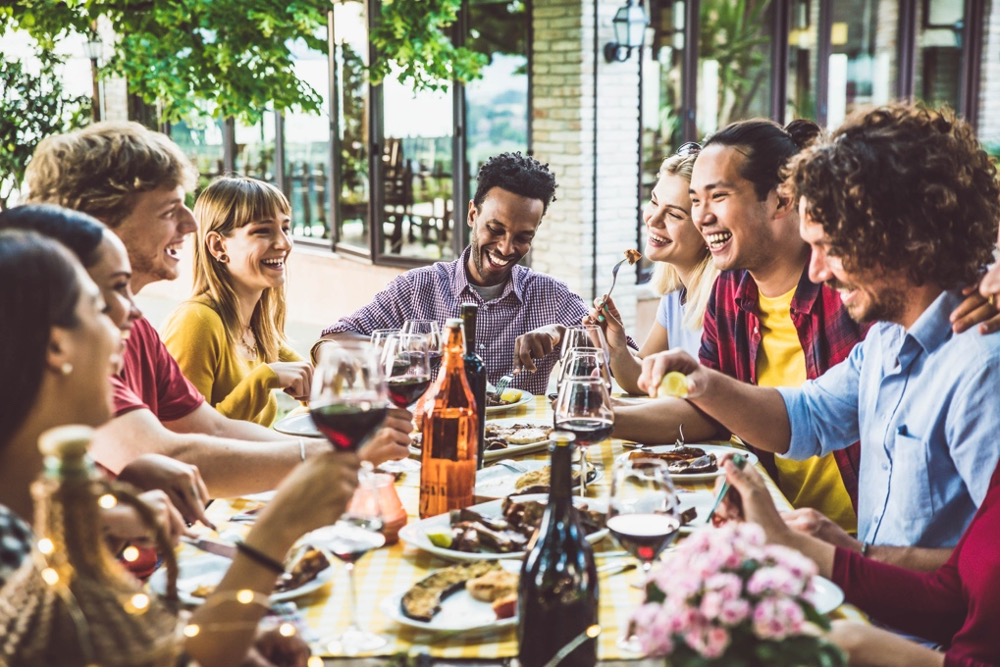
Building trust with customers is integral to all successful marketing, but especially for the hospitality industry. Customers are often more likely to gravitate to what’s known, either through past experiences or word of mouth. Strong storytelling builds trust and reduces purchase uncertainty.
Every hospitality purchase carries an element of uncertainty. Guests don’t know whether the atmosphere will match the photographs, whether the service will meet expectations or whether the experience will justify the investment. Successful marketing helps bridge that gap by replacing assumptions with authentic storytelling. 71% of travellers said video influenced their travel decisions with younger generations relying increasingly upon lifestyle content before any booking decisions – from where to go, stay, book or eat. The more effectively hospitality brands demonstrate what guests can expect, the more confidence they build before a reservation is ever made.
Consistent content keeps bookings coming
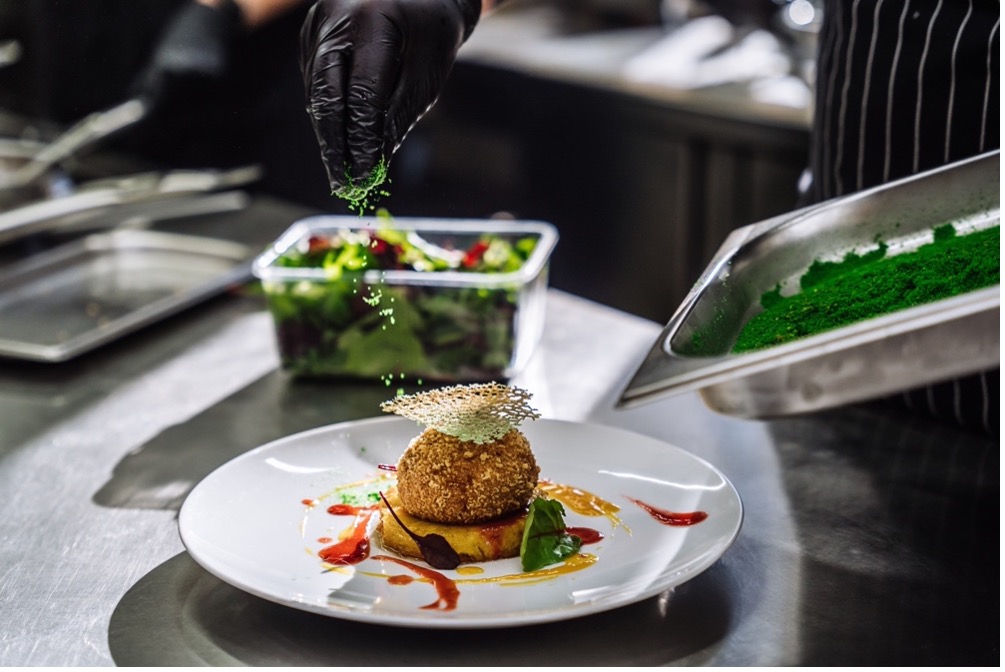
Unlike many industries, hospitality is constantly evolving. Menus change with the seasons. Guest rooms are renovated. Signature cocktails are introduced. Event spaces are transformed for different occasions. Yet many hospitality brands continue relying on the same library of photos for years, sometimes even decades!
Today’s consumers expect more. Fresh content keeps customers interested and brands relevant. Current content demonstrates that a business is active, invested in the guest experience and continuously delivering memorable moments. Fresh photography and video also provide opportunities to showcase seasonal menus, special events, behind-the-scenes moments, staff personalities and guest experiences, creating a brand that feels dynamic rather than static.
This application extends to beyond just your social media output, but to ads and websites as well! Engagement from the organization in regular updates and management leads to engagement from clients. Keeping content current isn’t simply about aesthetics, it’s about credibility. A restaurant promoting dishes that no longer exist or a hotel showcasing outdated guest rooms can create a disconnect between expectation and reality. Regularly updating imagery across websites, social media and digital advertising helps maintain trust while giving potential guests a reason to engage with the brand again and again. This is also what today’s social media algorithms reward. Platforms like Instagram and TikTok prioritize consistent, relevant content over dormant accounts with outdated assets, making an ongoing content strategy essential for maintaining visibility and engagement.
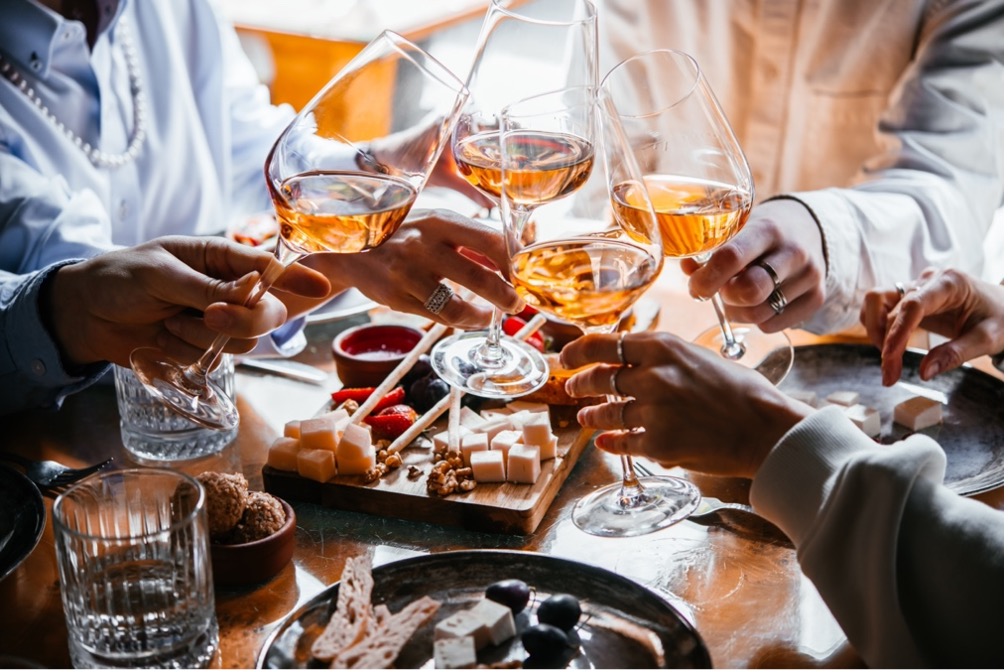
The most successful hospitality brands understand that their greatest asset isn’t a dining room, hotel suite or event venue – it’s life’s big and small moments those spaces make possible. Lifestyle content transforms architecture into atmosphere, amenities into memories and destinations into aspirations. By keeping content current and relevant, hospitality marketing should invite people to imagine themselves within it. That’s what inspires confidence, strengthens brand loyalty and turns interest into bookings – content, inspiration and connection.
Looking to liven up your space? Check out our Hospitality page and call us for a fresh perspective.
ALL POSTS